Google image search is the true search
Google image search is the true search
Here’s what happens when you search for “inspirational quote” on Google:
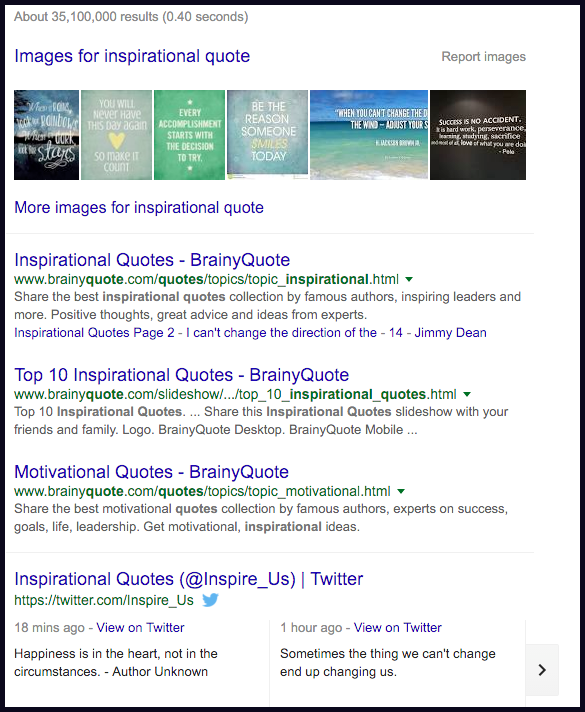
Okay, so that links me to a bunch of sites with inspirational quotes, where presumably my inspirational quotes needs would be fully met. But what about when you look at just images? It looks like this:
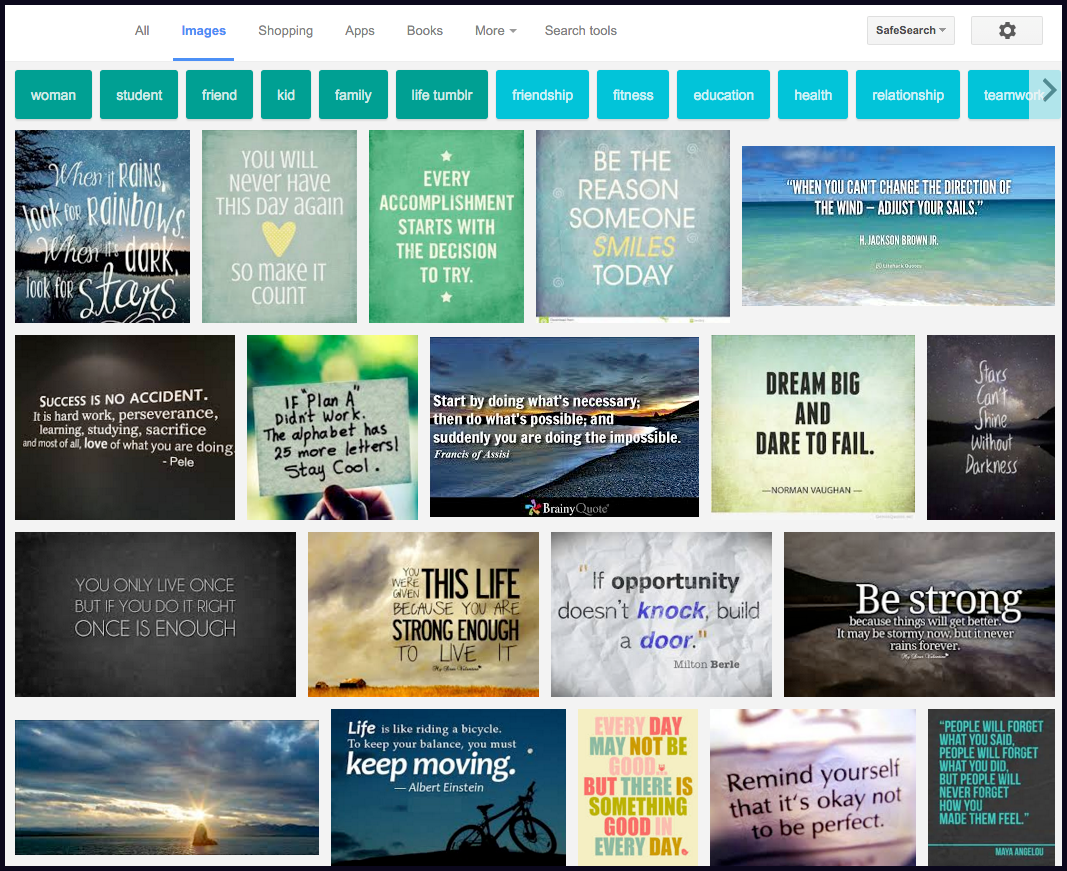
It’s so much better-looking! Granted, the inspirational quotes are garbage, but the content is right there. I don’t have to go anywhere else and look for a quote. It’s all fit as tightly into the page as possible. There are no distracting ads. There are search tools that let you filter the content not just by date or pornographic intent, per the usual Google options, but by size, color, format, time, and re-use and rights information—so that I could copy that quote onto Keynote or into Facebook and be fully aware of how it’s licensed under the creative commons. Then there are automatic filters that let you filter the results—and also help you understand the semantics of the subject space. For quotes, that is “woman,” “student,” “life tumblr,” and so forth in the bluish green, and “friendship,” “fitness,” etc. in the lighter blue. Why some words are in one color and some in another is left as an exercise to the reader.
Oh but, okay, that’s inspirational quotes, the hated rectangles that have ruined the Internet. How does it do with real, abstract subjects? Well let’s go with a word like “ontology,” which is very abstract, and means different things in different domains.
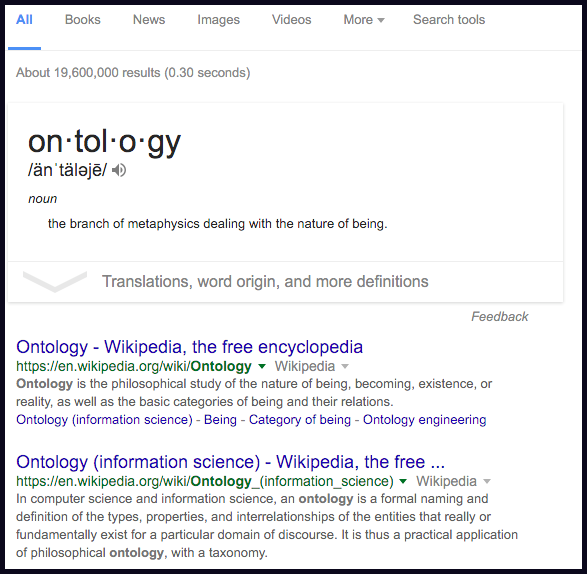
Leading with a pronunciation is really useful, especially as there’s an audio component. It also gives me a definition, and a link to the Wikipedia page—which is basically where I go for any new noun-based inquiry. Good. But let’s drill in on that term in image search:
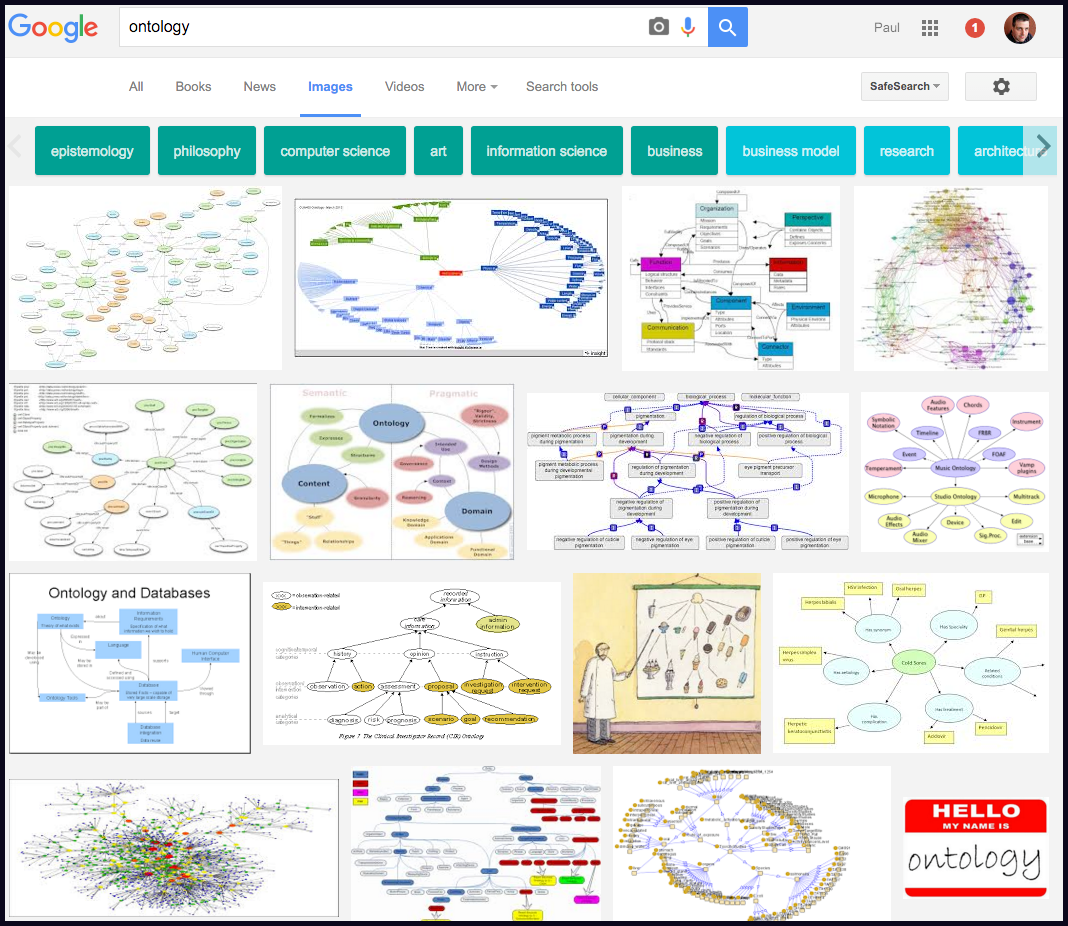
Okay so immediately I know that ontologies are somehow connected to that specific weird node/line shape, maybe? That’s worth filing away. Plus I know that the word relates to “epistemology,” “philosophy,” “computer science,” and “art.” That’s actually more valuable information for grounding myself than the definition provided, and I got all that information in a few seconds without going to Wikipedia. Let’s drill in on “philosophy.”
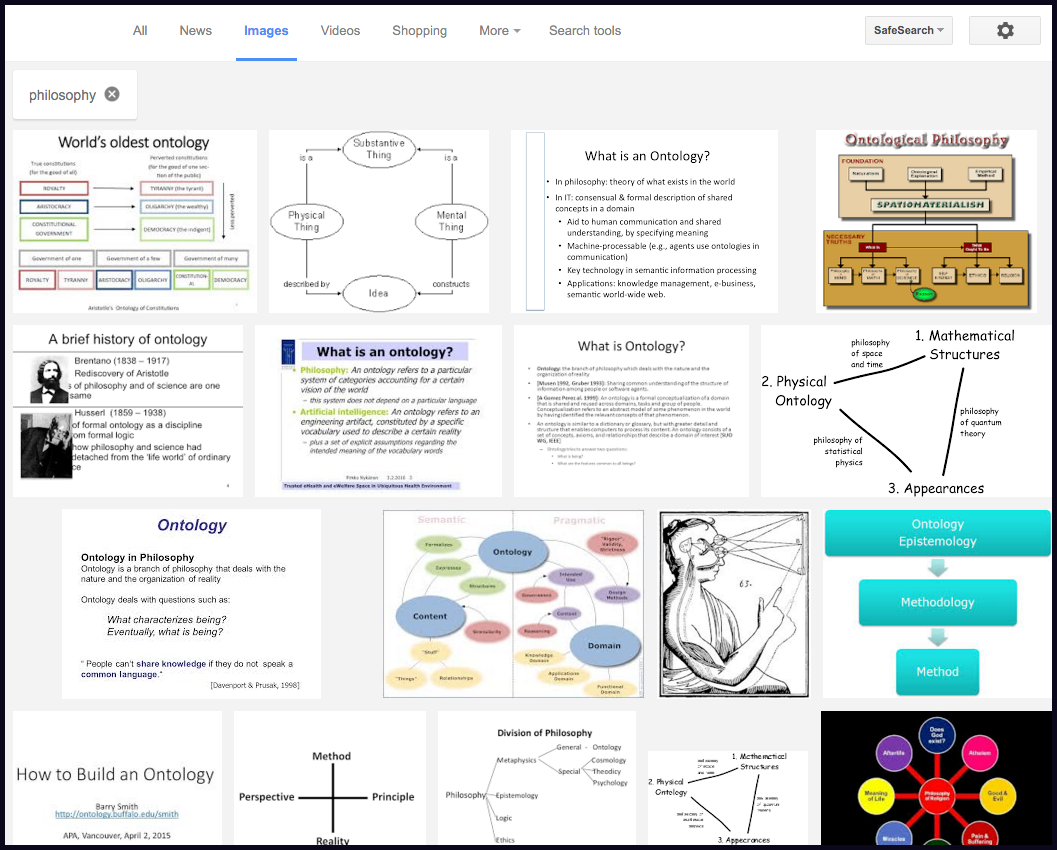
And here you can see that this is a subject with lots of history and that those weird line-node graphs are still relevant. And then you can compare that filter with others and start to see, visually, just how abstract the concept is and what it means across different domains. In theory the Wikipedia page will do this for you, but the Wikipedia page says:
ontology often deals with questions concerning what entities exist or may be said to exist, and how such entities may be grouped, related within a hierarchy, and subdivided according to similarities and differences
I.e. it’s rough going unless you are extremely sober and have just had a cold shower. Whereas looking at pictures and ignoring pictures that don’t make sense is really easy, and I can internalize just enough information about ontologies as can dribble into my eyeballs. Plus I can even re-use the pictures because they are media objects, when I make a Keynote about ontologies. This is epistemologically super chill.
The other day we talked about web brutalism, and the ambiguity about the term “brutalist.” A former architect wrote in and said that if you’re an architect, it doesn’t actually seem that ambiguous. So I thought I’d look up brutalism—
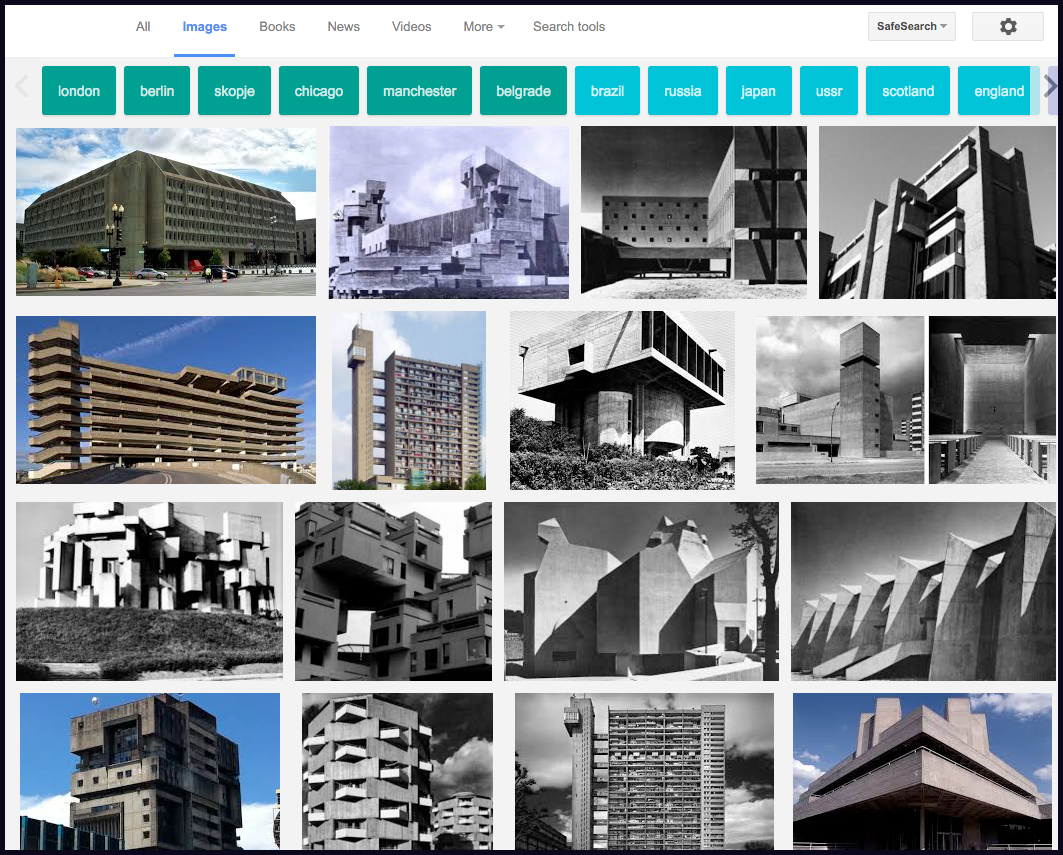
And yeah, that’s a better definition of brutalism than words can convey (obviously! it’s an architectural movement). You truly couldn’t do better than that with a few words.
This is not to say that words don’t have uses. It is simply to say that we now have this hugely rich visual web that is exactly one tab placement away in Google’s interface from completely changing the default way we explore the world from our Internet perches. What would happen to the world if the default was set to “images”?
Conclusion: My ideal search interface that uses only existing capabilities of Google would:
- Provide a definition of the term searched-for, when possible;
- Provide a link to the Wikipedia page for the term, when available;
- List associated terms that can be used as filters; and
- Just show me a bunch of pictures.
- Then below that you could have the old-school search results.
About Postlight
POSTLIGHT is a growing web agency in New York City. We build great things for the web and mobile. We like solving complex data problems, and building giant, scalable APIs in the cloud, and creating interactive designs that work for lots of different audiences. We code in all the regular languages and use all the regular frameworks and deploy to all the regular platforms. We’re also incubating a few new products. We’re getting kind of busy so if you need us now’s the right time to check in — email contact@postlight.com. Thanks!